
SplitEasy
Split Fast. Live Easy.
Snap a photo of any receipt. SplitEasy reads every item — printed or handwritten, tip included — and figures out exactly who owes what.
Snap a photo of any receipt. SplitEasy reads every item — printed or handwritten, tip included — and figures out exactly who owes what.
Built for the moment the check actually lands on the table.
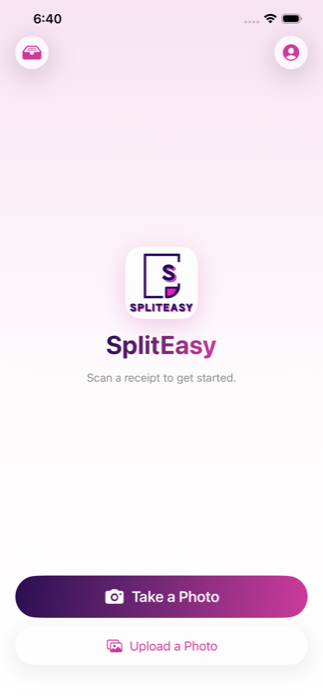
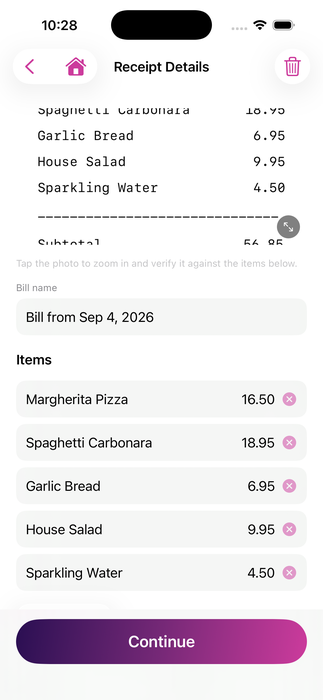
Point the camera at a receipt — or pick one from your library — and every line item, tax, and tip is read automatically, including handwritten tip lines on a card slip.
"+ Extra Cheese" or "+ Bacon" gets folded into the right item instead of showing up as its own confusing line, while still showing the full breakdown.
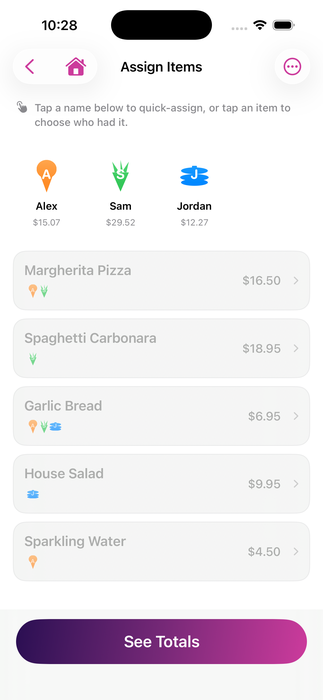
Pick a person, then tap every item they had — or split evenly with one tap when nobody wants to itemize. Tax and tip split proportionally, automatically.
Every scan is saved as a draft the moment it's read — close the app mid-split and pick up right where you left off later.
Each person gets their own color and a distinct shaped avatar — a star, a crown, a bolt — so who's who is obvious at a glance.
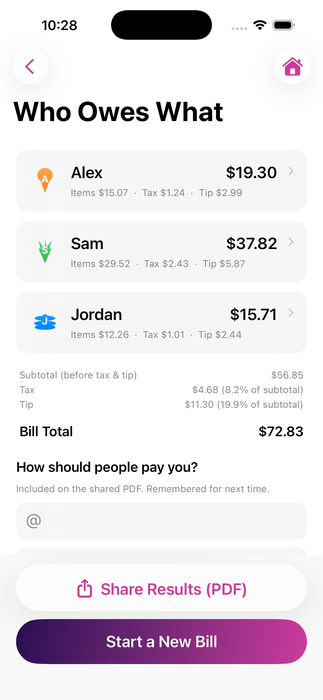
Export a clean, itemized PDF with everyone's share, plus your Venmo or Zelle — remembered for next time — so getting paid back is one tap.
From receipt photo to "here's what you owe" in under a minute.
Take a photo or pick one from your library.
Items, tax, and tip are pre-filled — fix anything that's off.
Add who's splitting and tap their items, or split evenly.
Everyone's exact total, ready to send as a PDF.
SplitEasy is heading to the App Store soon.
Get notified / Contact us